Introduction to Insta360 Devices
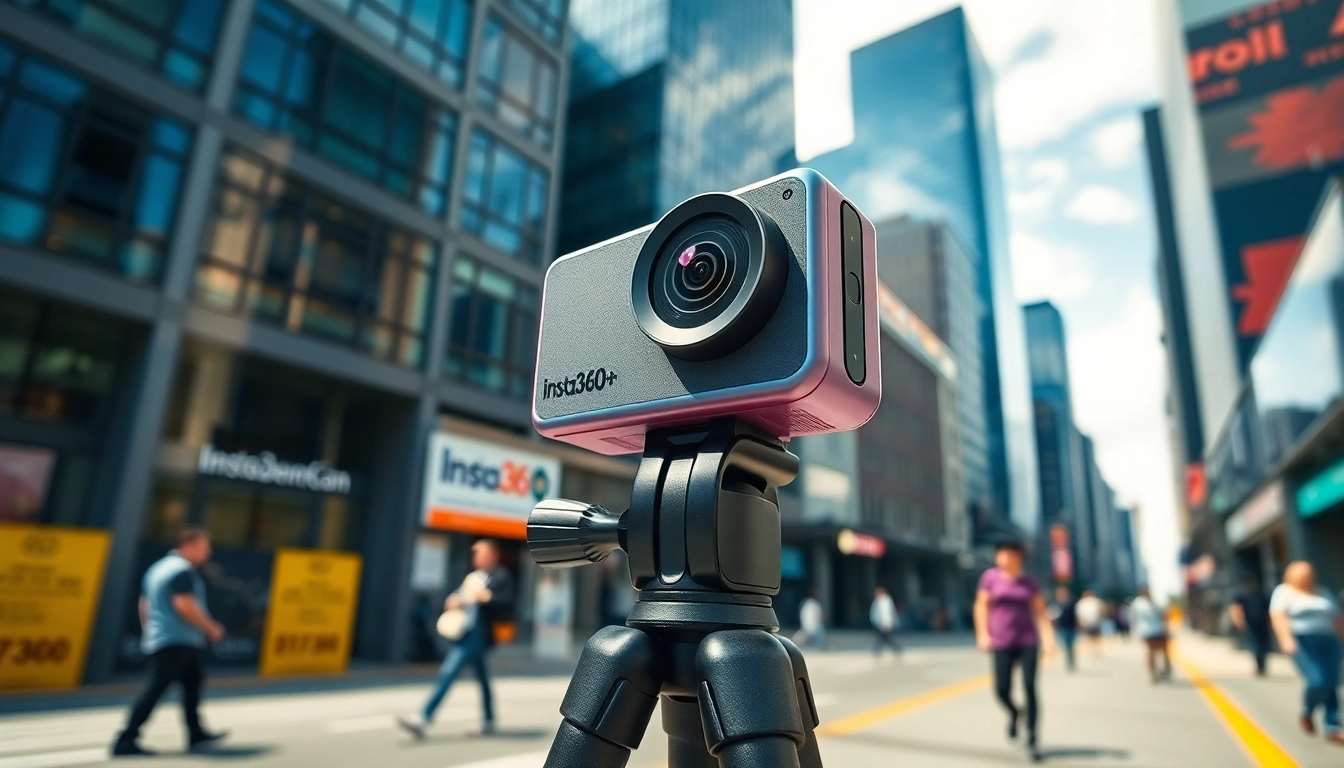
In the realm of photography and videography, innovation plays a crucial role in elevating the art form. With a focus on creativity and immersive experiences, Insta360 has carved out a niche with its advanced 360-degree cameras. These devices enable users to capture breathtaking images and videos from every conceivable angle, providing a unique perspective that traditional cameras simply cannot match.
What is Insta360 and How Does it Work?
Insta360 is a brand that specializes in developing high-quality 360-degree video and photography equipment. Utilizing cutting-edge technology, these devices can capture surround environments, allowing for an all-encompassing view of scenes. At the heart of Insta360’s operation is a blend of advanced sensor technology, software processing, and seamless integration with mobile apps that enhance user experience. Whether capturing expansive landscapes or intimate gatherings, the cameras stitch together multiple images to create a cohesive 360-degree video or photo experience.
Key Features of Insta360
- 360-Degree Capture: Insta360 cameras offer a full panoramic view, allowing users to explore every element within a scene.
- High-Resolution Imaging: With capabilities to capture stunning high-definition video and images, Insta360 ensures clarity in every frame.
- Advanced Stabilization: The built-in stabilization feature provides smooth footage, which is essential for action shots or moving scenes.
- Live Streaming: Insta360 supports real-time streaming, enabling users to share their experiences as they unfold.
- User-Friendly Interface: The intuitive controls and mobile app integration make it accessible for photographers of all skill levels.
Who Can Benefit from Insta360?
Insta360 devices cater to a wide range of users, from amateur photographers seeking to explore new creative avenues to professional videographers looking to expand their portfolio. Travelers, content creators, educators, and even businesses can utilize Insta360 cameras to engage their audiences with immersive content. By harnessing the unique capabilities of these devices, users can enhance storytelling, promote products creatively, and document experiences more vividly than ever before.
Getting Started with Your Insta360
Unboxing and Setup Tips for Insta360
Upon receiving your new Insta360 camera, it’s essential to unbox and set it up correctly for optimal use. Carefully check the contents to ensure nothing is missing. The package typically includes the camera, a charging cable, mounts, and a user manual. Begin by charging the device fully, which not only ensures the best performance but also prepares you for extended shooting sessions. Familiarize yourself with the different buttons and ports; most models feature a power button, a shutter button, and a microSD card slot.
Essential Accessories for Your Insta360
To maximize your Insta360 experience, consider investing in essential accessories that can enhance functionality and convenience:
- Tripods and Mounts: Stabilizing your shot is crucial; opt for adjustable tripods and mounts for various shooting settings.
- Protective Cases: A durable case will protect your camera from the elements when you’re on the go.
- Extra Batteries: Longer shoots may require additional battery packs to ensure you don’t miss capturing those pivotal moments.
- Lens Protectors: Prevent scratches and damage to your lenses with protective covers.
Basic Photography Techniques Using Insta360
If you are new to 360-degree photography, starting with some fundamental techniques can help you get the most out of your Insta360 camera:
- Finding the Right Angles: Experiment with different heights and perspectives. The beauty of 360-degree photography lies in its ability to capture the environment from all angles.
- Lighting Conditions: Natural light can significantly impact the quality of your images. Try to shoot during golden hours (early morning or late afternoon) for the best results.
- Stability is Key: Ensure your camera is stable while shooting to prevent blurriness; consider using the built-in stabilization features offered by Insta360 devices.
Advanced Features of Insta360
Using 360-Degree Capture in Photography
The cornerstone of Insta360’s offerings is its ability to capture 360-degree images and videos. This capability enables photographers to explore compositions that were previously unattainable. For instance, you can create engaging virtual tours, offering viewers an interactive experience. To maximize this feature:
- Plan Your Shots: Use the map and vista of your environment to draft the perfect shot, considering backgrounds and subjects effectively.
- Mix Techniques: Combine still shots with video to create dynamic content that entertains and informs.
- Leverage the Editing Features: You can adjust perspectives in post-production to focus on specific areas or create unique storytelling elements.
Editing Your Insta360 Photos and Videos
Once you have captured stunning 360-degree media, the next step is editing. Insta360 provides an intuitive app that simplifies the editing process. Here’s how to elevate your content:
- Trim and Cut: Remove unnecessary portions of your video, ensuring that only the most engaging content remains.
- Add Music and Effects: Enrich your visuals by incorporating background music or sound effects that enhance the mood of your footage.
- Utilize Templates: Take advantage of pre-set editing templates available in the app to streamline your editing workflow.
Tips for Achieving Professional Results
To produce professional-quality content with your Insta360 camera, consider these expert tips:
- Consistency: Maintain consistent shooting practices, including framing, lighting, and stabilization.
- Experiment: Don’t hesitate to try new techniques and features. Experimenting can lead to unique captures that set your work apart.
- Seek Feedback: Sharing your content with peers can provide valuable insights and constructive criticism that can help improve your skills.
Common Challenges and Solutions
Addressing Technical Issues with Insta360
Despite its powerful features, users may encounter technical issues with their Insta360 devices. Common problems include connectivity issues, software glitches, or difficulty accessing certain features. When facing these challenges, consider the following solutions:
- Update Firmware: Ensure your camera’s firmware is up to date, as updates often resolve existing bugs.
- Reset Settings: If the camera behaves erratically, try resetting it to factory settings to resolve any underlying issues.
- Consult Support: Reach out to Insta360’s customer support when issues persist after attempting troubleshooting.
Overcoming Creative Blocks
Creative blocks can hinder your ability to capture the stunning images that Insta360 cameras are capable of producing. Here are strategies to overcome these challenges:
- Change Your Environment: Shift your shooting location to stimulate fresh ideas or perspectives.
- Engage with Community: Connecting with other photographers can provide inspiration and new approaches.
- Take Breaks: Sometimes stepping away from photography can help clear your mind and inspire creativity upon return.
Improving Video Quality with Insta360 Settings
Achieving optimal video quality involves adjusting several settings within your Insta360 camera:
- Resolution Settings: Increase the resolution settings for clearer and sharper output, ideal for larger screens.
- Frame Rate: Experiment with frame rates; higher rates can be beneficial for action shots, while lower rates may offer a more cinematic feel.
- Exposure Compensation: Adjust exposure settings based on lighting conditions to ensure your videos are neither underexposed nor overexposed.
Maximizing Engagement with Your Insta360 Content
Sharing Your Insta360 Creations on Social Media
To maximize engagement, sharing your Insta360 content on social media platforms is essential. Different platforms have unique requirements and audiences, so tailor your approach accordingly:
- Optimize for Each Platform: Instagram, Facebook, and YouTube may have different ideal dimensions and formats for 360 content; be aware of these variances.
- Utilize Hashtags: Employ trending hashtags related to your content to increase visibility and reach a broader audience.
- Engage with Viewers: Respond to comments, ask for feedback, and encourage viewers to share their experiences with your content.
Using Insta360 for Business Purposes
Incorporating Insta360 in business strategies can revolutionize marketing efforts. Here’s how businesses can effectively utilize the devices:
- Create Virtual Tours: Offer potential customers an immersive tour of your business space or product line.
- Enhance Product Demonstrations: Use 360-degree videos to show off products in action, providing a better understanding of their use.
- Engage Customers with Interactive Content: Create engaging 360 content that invites customer interaction, increasing brand loyalty and interest.
Analyzing Audience Engagement Metrics
Understanding how your audience interacts with your content is crucial for refining your approach. Here are key metrics to consider:
- View Count: Track how many times your content has been viewed as a measure of reach.
- Engagement Rate: Measure likes, shares, and comments as indicators of engagement and interest in your content.
- Conversion Rates: If used for business, monitor how many viewers take action (e.g., making purchases after viewing your content).
FAQs
What makes Insta360 cameras unique?
Insta360 cameras are designed for versatile 360-degree captures that facilitate unique perspectives beyond traditional photography.
Do I need special skills to use Insta360?
No, Insta360 cameras are user-friendly and designed for both beginners and advanced users, making it easy to capture great shots.
What accessories do I recommend for Insta360?
Consider a sturdy tripod, a protective case, and extra batteries to enhance your shooting experience with Insta360.
Can I edit photos taken with Insta360?
Yes, Insta360 offers an app for easy editing, allowing you to customize and perfect your photos and videos directly.
How can I improve my photography skills with Insta360?
Practicing regularly, exploring different settings, and studying footage can significantly enhance your skills with Insta360.