
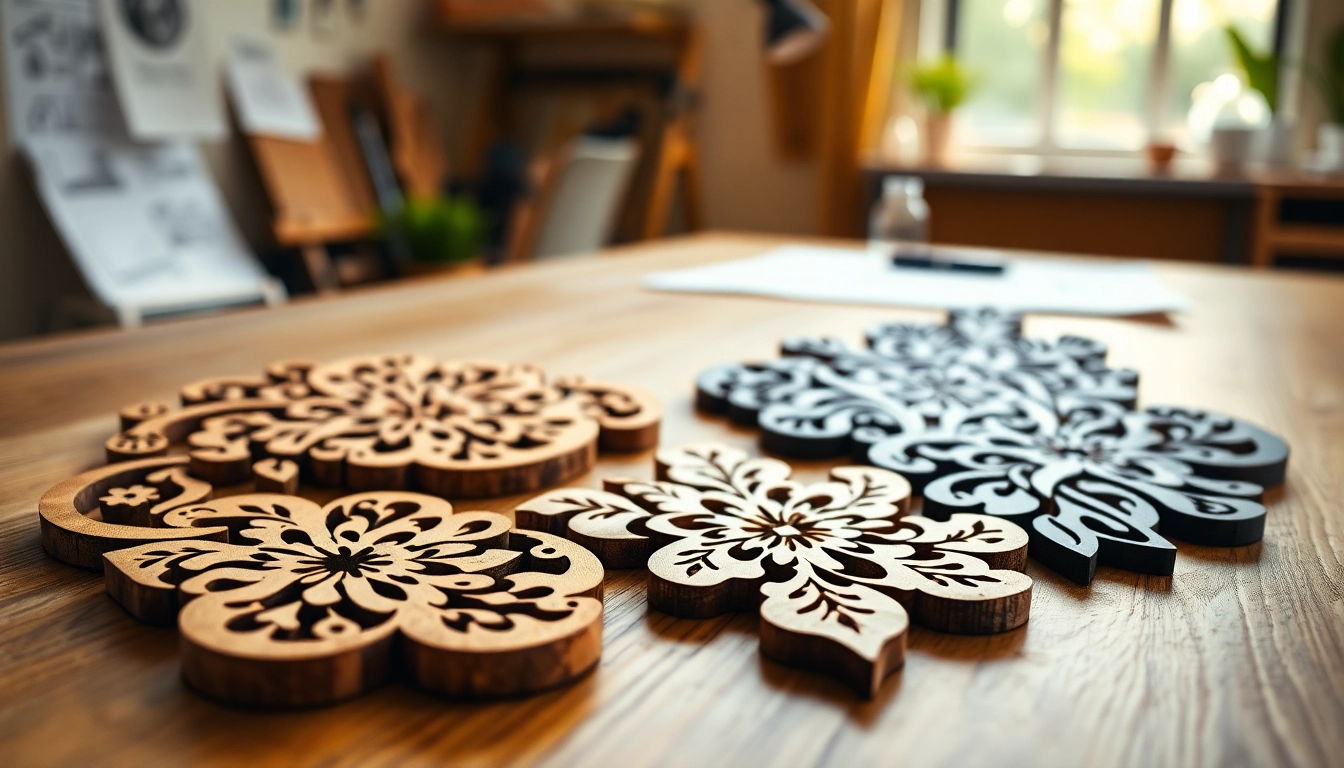
Understanding the Basics of dxf File for Laser Cutting
What is a dxf file?
A dxf file, which stands for Drawing Exchange Format, is a CAD data file format developed by Autodesk for enabling data interoperability between various CAD software applications. This format enables designers and engineers to save drawings as text files that contain all the information needed for the reproduction of design elements. The dxf file for laser cutting is widely used in various manufacturing processes, particularly in laser cutting, where precision and fidelity to the original design are paramount.
History and Development of dxf Files
The dxf format first emerged in the early 1980s to facilitate the sharing of drawings among different CAD systems, making it significantly easier for manufacturers and designers to collaborate. Over the years, it evolved alongside CAD technologies, including enhancements that supported 3D modeling and complex data management. Today, many CAD programs support dxf files, ensuring their continued relevance in applications such as laser cutting, routing, and CNC machining.
Applications of dxf Files in Laser Cutting
The versatility of dxf files makes them a popular choice in laser cutting applications across various industries, from woodworking to metalworking and crafting. Designers use these files to outline profiles, engrave intricate designs, and set operational parameters for laser machines. Their ability to maintain design integrity while being easily modified contributes to their widespread use in production environments.
Creating Your First dxf File for Laser Cutting
Essential Software for Designing dxf Files
To create a dxf file tailored for laser cutting, several software tools are essential. Popular choices include AutoCAD, Adobe Illustrator, and Inkscape. Each of these programs provides unique features that facilitate precise design creation and enable users to set the appropriate dimensions and scaling for their projects. It’s advisable to choose software that aligns with your design needs and existing workflows.
Step-by-Step Guide to Drawing Designs
Designing a dxf file involves several clear steps:
- Open your CAD software: Launch your chosen CAD program.
- Create a new file: Set the dimensions according to your project requirements.
- Use tools to create shapes: Utilize lines, arcs, and curves to sketch your design.
- Refine your design: Adjust points and curves for precision.
- Label important details: Add notations that indicate cutting vs. engraving operations.
Exporting Your Design to a dxf File
After completing your design, exporting it to a dxf file is straightforward. Navigate to the ‘File’ menu, select ‘Export,’ and choose the dxf format from the available options. Ensure that all layers are correctly set up to maintain the intended functionality during the laser cutting process. Check compatibility settings as necessary with your laser cutter software.
Common Challenges with dxf File for Laser Cutting
Identifying Errors in dxf Files
Creating dxf files can pose challenges, particularly regarding compatibility and file integrity. Common issues include missing layers, disconnected paths, and incompatible design elements. Reviewing the file visually and using diagnostic tools within the software will aid in identifying these issues.
How to Fix Design Issues Before Cutting
Before sending a dxf file to a laser cutter, it’s critical to fix any identified issues. Adjust scaling to ensure accuracy, ensure paths are closed to prevent incomplete cuts, and double-check that the layers designated for cutting and engraving are appropriately labeled. Running a test cut on scrap material is also a recommended best practice.
Dealing with Material Compatibility
Understanding your material’s properties is key to successful laser cutting. Not all dxf files will be compatible with every material, whether wood, plastic, or metal. Ensure that the design accommodates the thickness and type of material you plan to cut, and adjust cutting speed and power settings in accordance with the material’s characteristics.
Best Practices for Using dxf Files in Laser Cutting
Optimizing Designs for Efficiency
Efficiency in laser cutting means reducing waste and maximizing output. Use nesting techniques to arrange designs closely together on material sheets, allowing multiple pieces to be cut simultaneously. Keep designs within safe cutting distances from the edges of the material to minimize the risk of errors.
Testing and Iteration Processes
Testing your designs through iterations is crucial for achieving optimal results. Start with smaller versions of your designs to gauge cutter performance on different materials before scaling up to full-sized cuts. Keep detailed records of settings used on each test to streamline the iteration process.
Using Templates for Consistency
Creating templates from successful designs helps maintain consistency across multiple projects. Store frequently used designs in a library of templates that can be accessed for reuse, ensuring that each iteration adheres to the established quality standards.
Future Trends in dxf Files for Laser Cutting
The Impact of 3D Printing Technologies
3D printing continues to influence the design practices associated with laser cutting. Hybrid manufacturing, which combines both 3D printing and laser cutting, enables new design possibilities that were previously unattainable. Designers are now encouraged to create hybrid models that can benefit from the unique advantages of both technologies.
Advancements in Laser Cutting Capabilities
With ongoing advancements in laser cutting technologies, including faster and more powerful lasers, the capabilities of dxf files continue to expand. Innovations such as improved file processing software and enhanced feedback systems allow for a better understanding of design performance and material interaction.
Integrating AI in Design Processes
The integration of artificial intelligence into design processes is a growing trend. AI-driven tools can analyze design efficacy, suggest optimizations, and even automate aspects of design creation. This development further streamlines the path from concept to production, saving time and reducing errors.
FAQs:
What is a dxf file for laser cutting?
A dxf file is a drawing exchange format used for CAD files compatible with laser cutting machines, enabling precise designs.
How do I create a dxf file?
You can create a dxf file using CAD software by designing your drawings and exporting them in the dxf format.
What types of projects can I use dxf files for?
dxf files are versatile and can be used for woodworking, metalwork, and crafting projects, among others.
Can dxf files be edited after creation?
Yes, dxf files can be edited in compatible CAD software allowing adjustments and refinements.
What are common mistakes to avoid with dxf files?
Common mistakes include improper scaling, incompatible versions, and overlooking material specifications.